

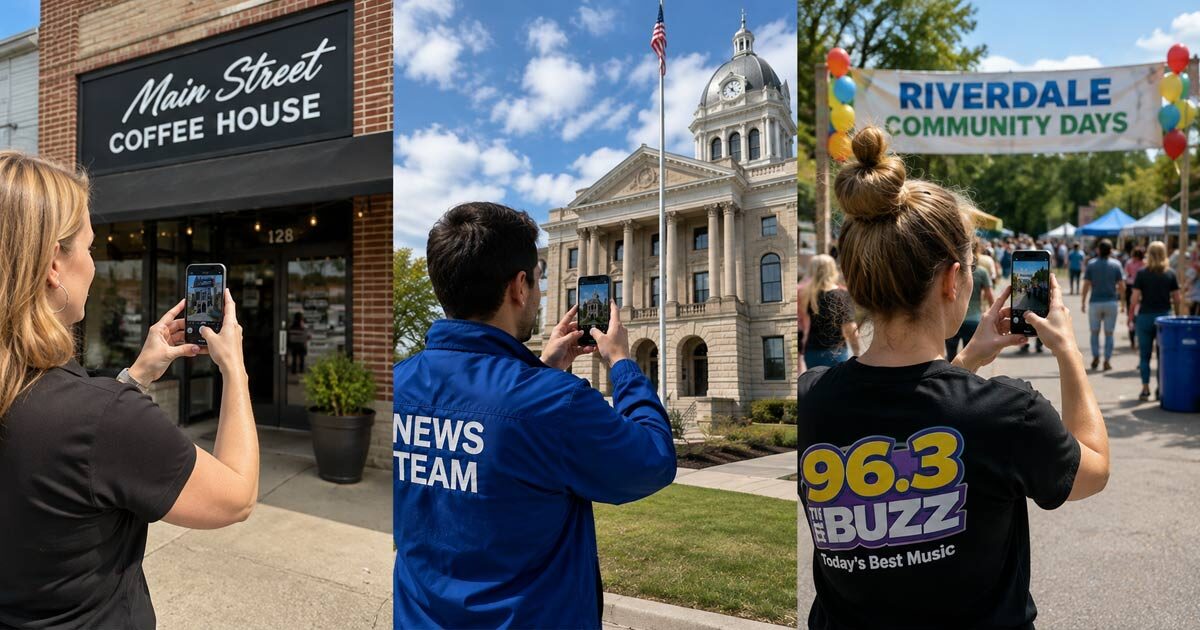
When a radio station or news organization introduces a new tool, there is often a temptation to roll it out to everyone immediately. That sounds efficient, but it can also turn something simple into another staff project that nobody is quite sure how to begin.
We recommend starting CaptureRelay with three or four people who regularly leave the building. That might include someone from the newsroom, a salesperson, a promotions employee, an on-air personality, or a manager who spends time attending meetings and community events.
The point is not to give these people another job. They are already passing schools, government buildings, police and fire departments, new businesses, construction projects, community events, sports facilities, and familiar landmarks during their normal day. CaptureRelay simply gives them an easy way to make those moments useful to the website.
Begin with one straightforward expectation. When someone is already near a location the station regularly mentions, ask them to take two or three useful photos, give each one a descriptive title, and send them to the website.
They do not need to photograph the entire community in one afternoon. A salesperson visiting a new restaurant can capture the building before walking inside. Someone attending a city meeting can photograph city hall, while an employee arriving at a football game can add the stadium entrance, scoreboard, and field to the Media Library.
That is how a useful local image library grows. It happens a few photos at a time while people are already doing the work that takes them into the community.
Once the first group becomes comfortable with the process, look through the Media Library and see what they have contributed. You will quickly learn which instructions were clear, which types of photos are most useful, and whether other employees should be added.
CaptureRelay does not require staff members to learn WordPress or receive website usernames and passwords. An administrator approves each phone once, and the app delivers properly sized images directly into the WordPress Media Library. The website remains in control of who can contribute and can revoke access from any device when needed.
The best rollout is not necessarily the largest one. Begin with a few people who already see the community every day, make the process easy, and allow the local image library to grow naturally from there.